JOhnny
@EVL
Image Prep for the www
GIF 1
GIF Transperency
Hey! I'd really love to show you on SGI Photoshop, but
it doesn't really work - So here's the old fashioned way:
Here's an image in SGI Photoshop:
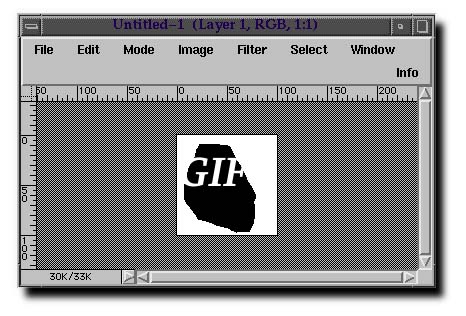
To make this a GIF in Photoshop, flatten the layers and
change the image "Mode" to
indexed color. (Because that's what GIF is!).
 Now, this particular image has two colors, white and black.
Since I'm generally interested
in stamping out purity in the world, lets drop the white portion of the image.
Now, this particular image has two colors, white and black.
Since I'm generally interested
in stamping out purity in the world, lets drop the white portion of the image.
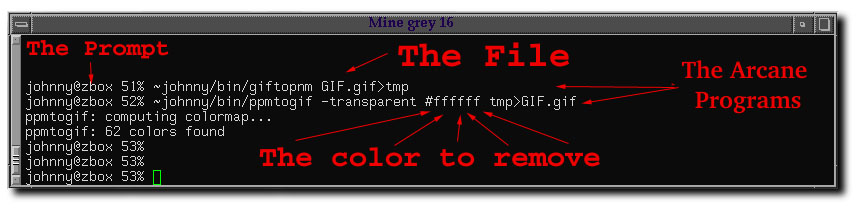
Here in a gratuitously large image is the comand line way to make an image
transperent.